Cart & Checkout
Adding items, reviewing the cart, and placing an order — works identically for guests and signed-in customers.
Cart contents live in the AppSession cookie, independent of whether you’re logged in. That’s what makes guest checkout possible, and why the cart survives logging in partway through shopping.
Add to cart
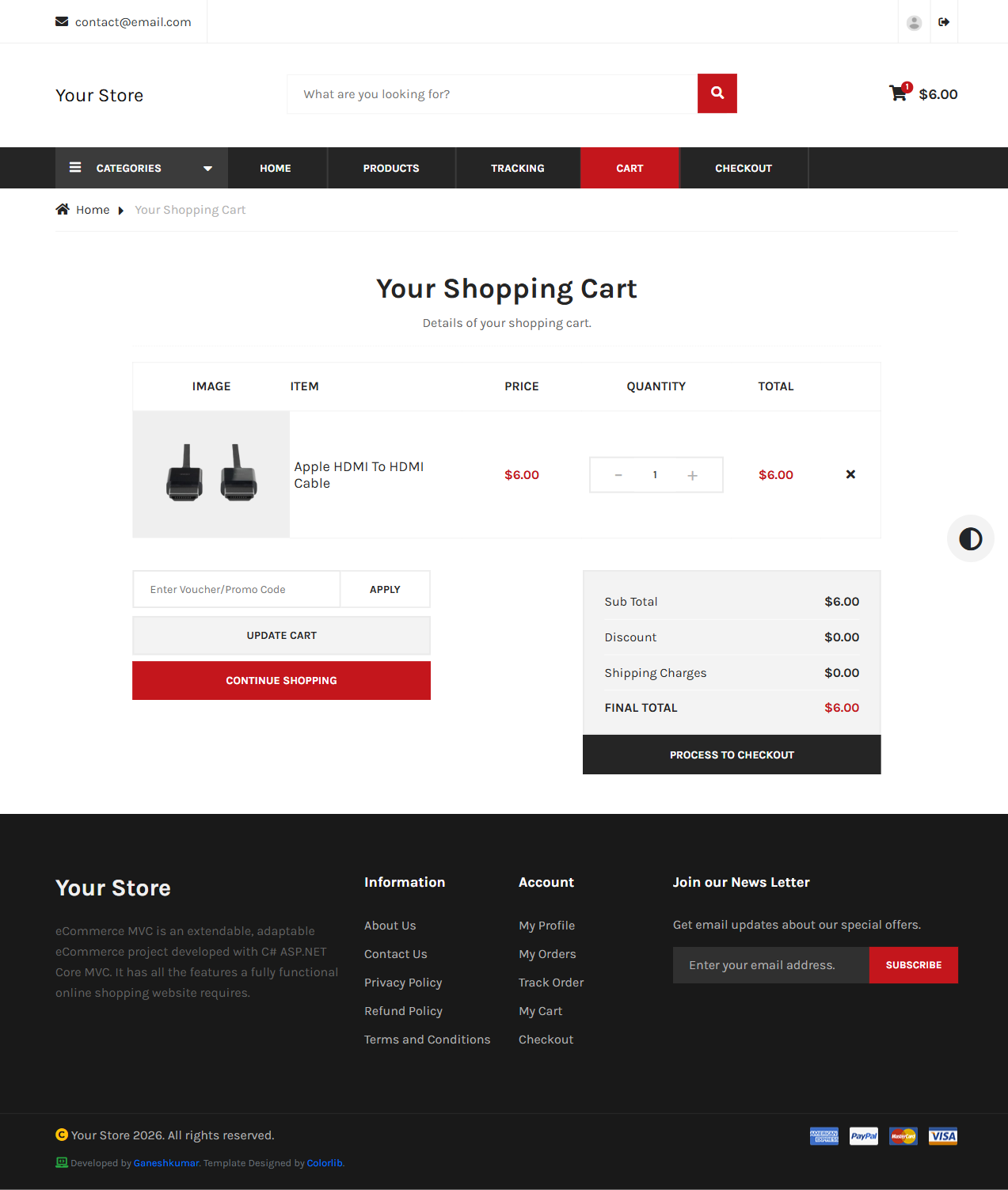
Click Add to cart on any product listing or detail page. /cart shows every item with quantity controls, unit price (post-discount), and a running total.
Checkout
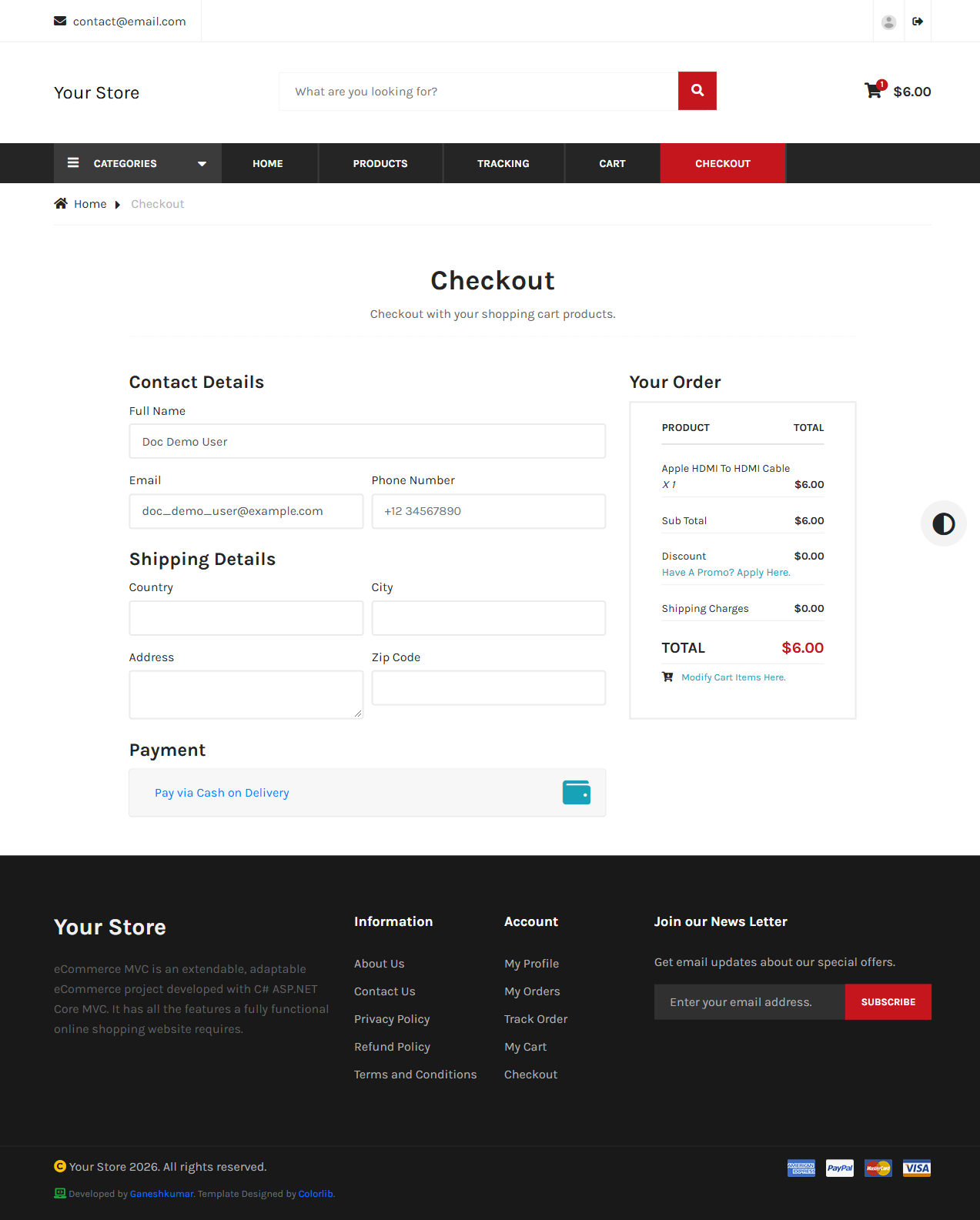
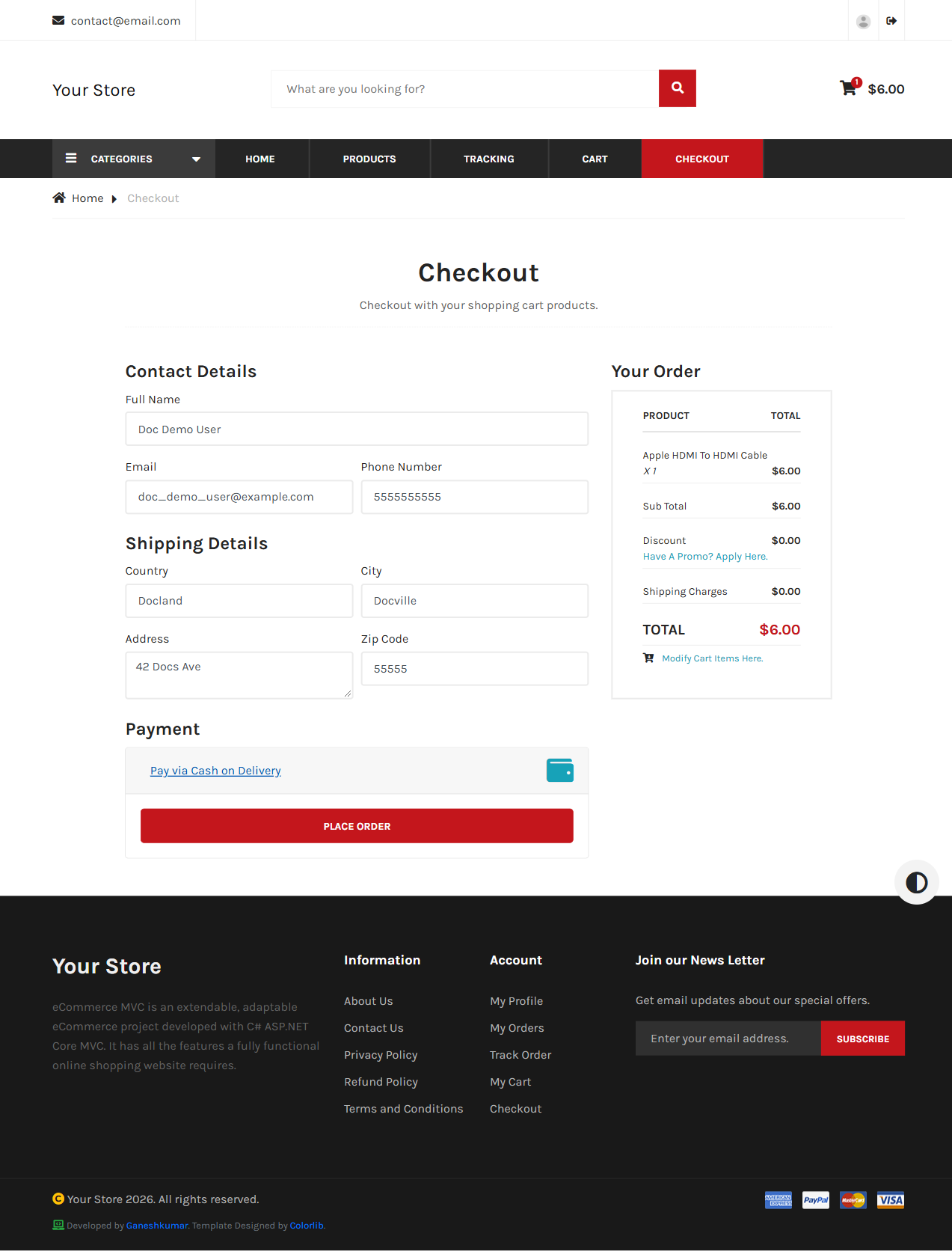
/checkout collects Contact Details (name/email/phone, pre-filled if signed in), Shipping Details (country/city/address/zip), and Payment. A guest can also tick “Create an account?” to register while checking out, or use the login link if they already have one.
Placing the order
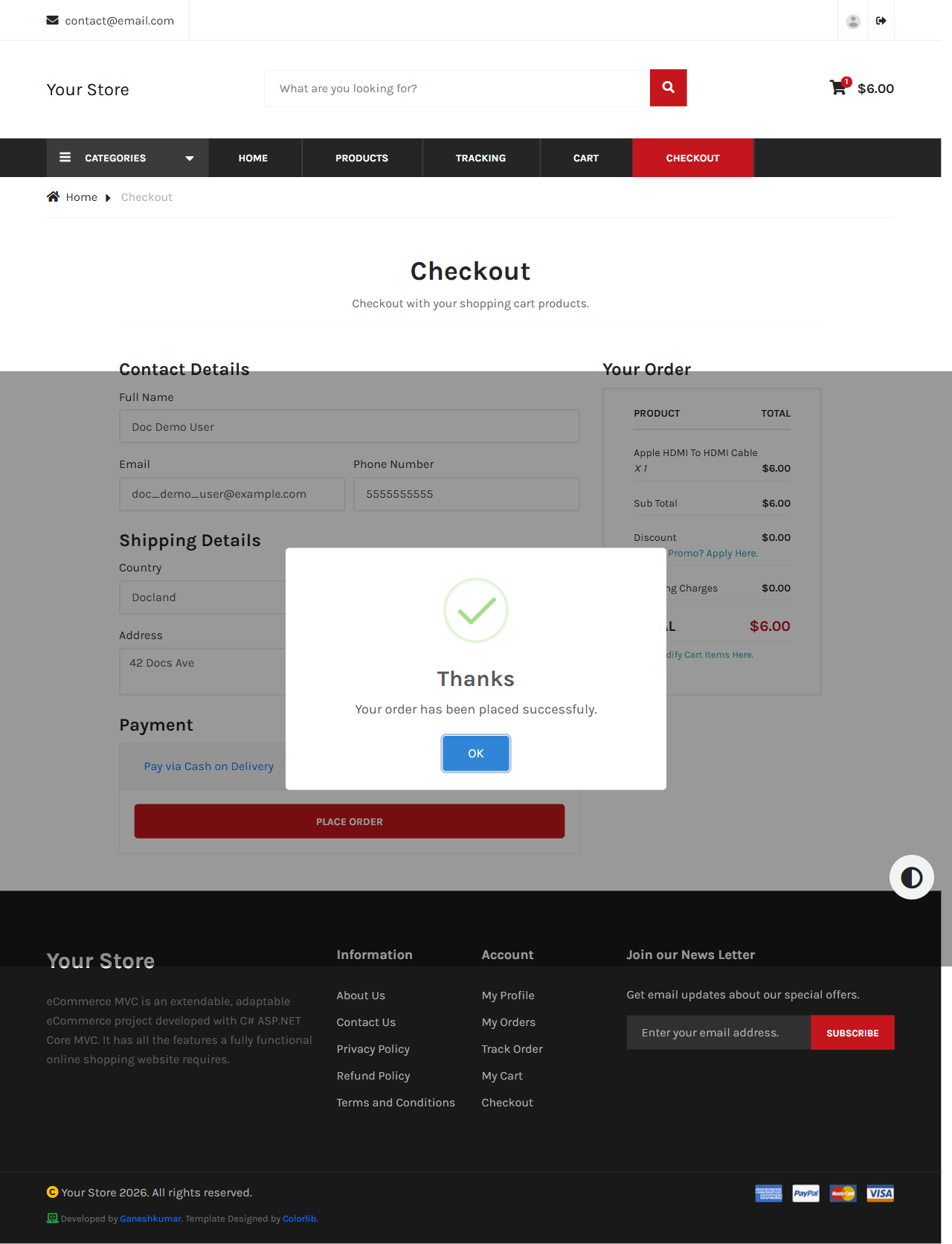
Clicking Place Order submits via AJAX; a confirmation dialog appears on success and redirects to the order’s tracking page.
Promo codes
From the cart, “Have a promo? Apply here.” applies a code created in the Dashboard (Orders & Promo Codes) as either a percentage or flat-amount discount, reflected in the checkout total before you place the order.
Payment method
Two methods are available, each switched on or off in Dashboard → Configurations:
- Cash on Delivery (
EnableCashOnDeliveryMethod) — Place Order places the order straight away. - PayPal (
EnablePayPalMethod) — pay with a PayPal account, or with a debit/credit card through PayPal’s Debit or Credit Card button. The order is placed once PayPal confirms the payment. See PayPal Payments.
Next: Orders & Tracking →