Dashboard Overview
Signing in as an administrator and finding your way around /dashboard.
Sign in
Visit /login and sign in with an account in the Administrator or Moderator role (the seeded account is adm_use / adm_use123 — see Setup → Default Roles & Users). Visiting /dashboard while signed out redirects you here with a ReturnUrl back to the Dashboard.
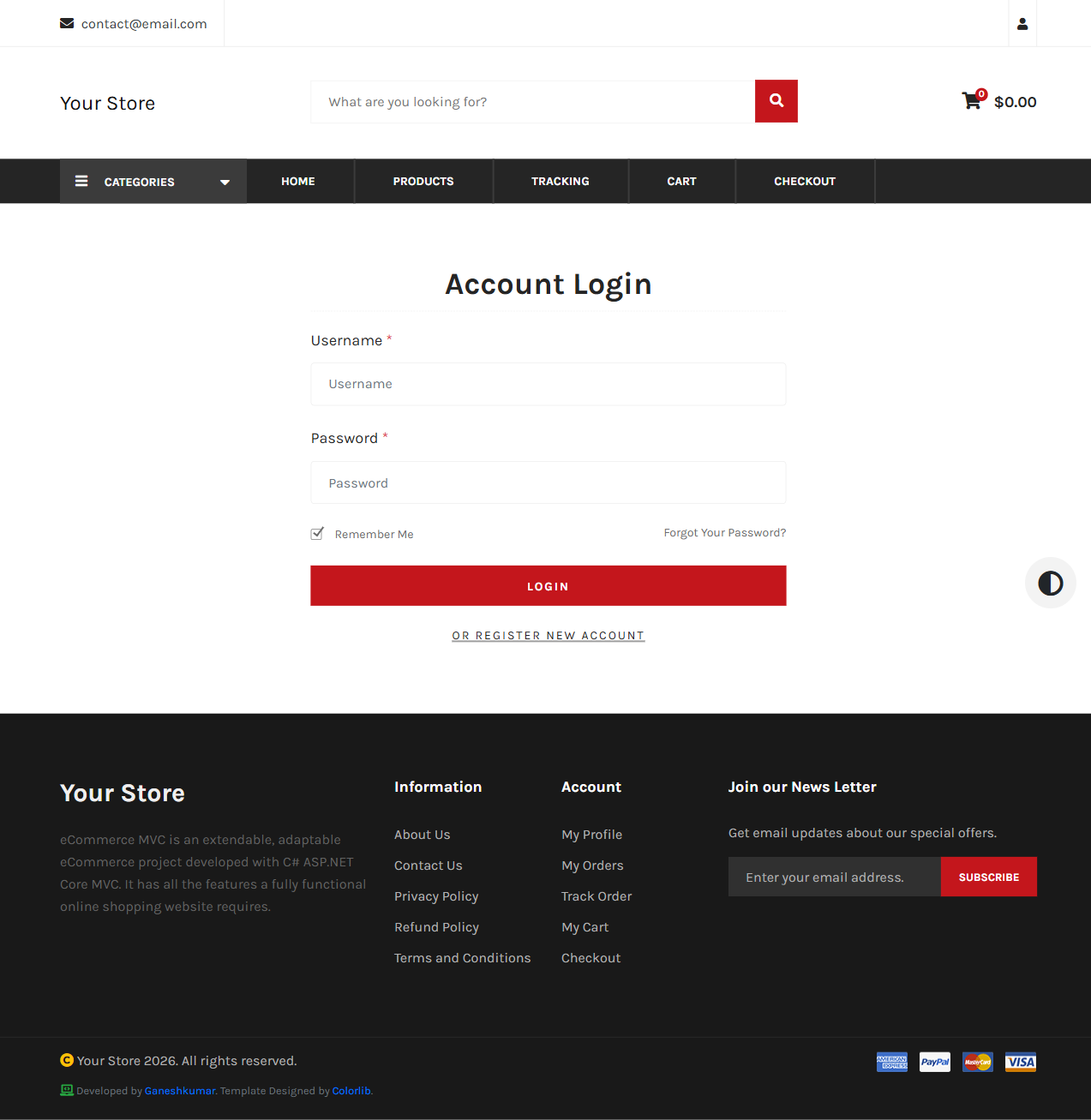
Dashboard home
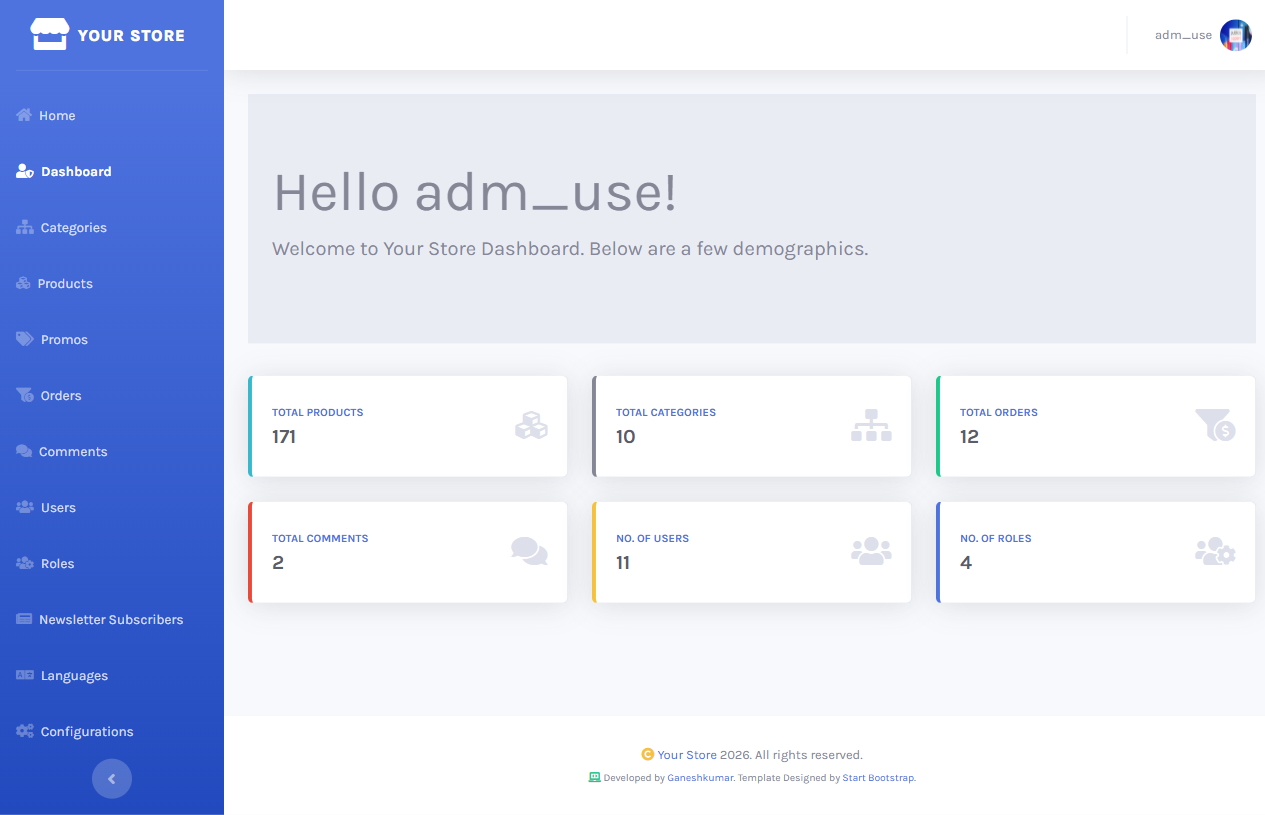
/dashboard shows at-a-glance stats (total products, categories, orders, comments, and users, each linking straight to its list) plus a persistent left sidebar covering every admin area: Categories, Products, Promos, Orders, Comments, Users, Roles, Newsletter Subscribers, Languages, Configurations.
Gets a clean 403 “UnAuthorized Access” page rather than being redirected to login again (they’re already authenticated, just lacking the role) — enforced by CustomAuthorize, see Code Structure.