Site Configurations (UI)
How to actually edit the keys documented in Configurations from the Dashboard.
The list
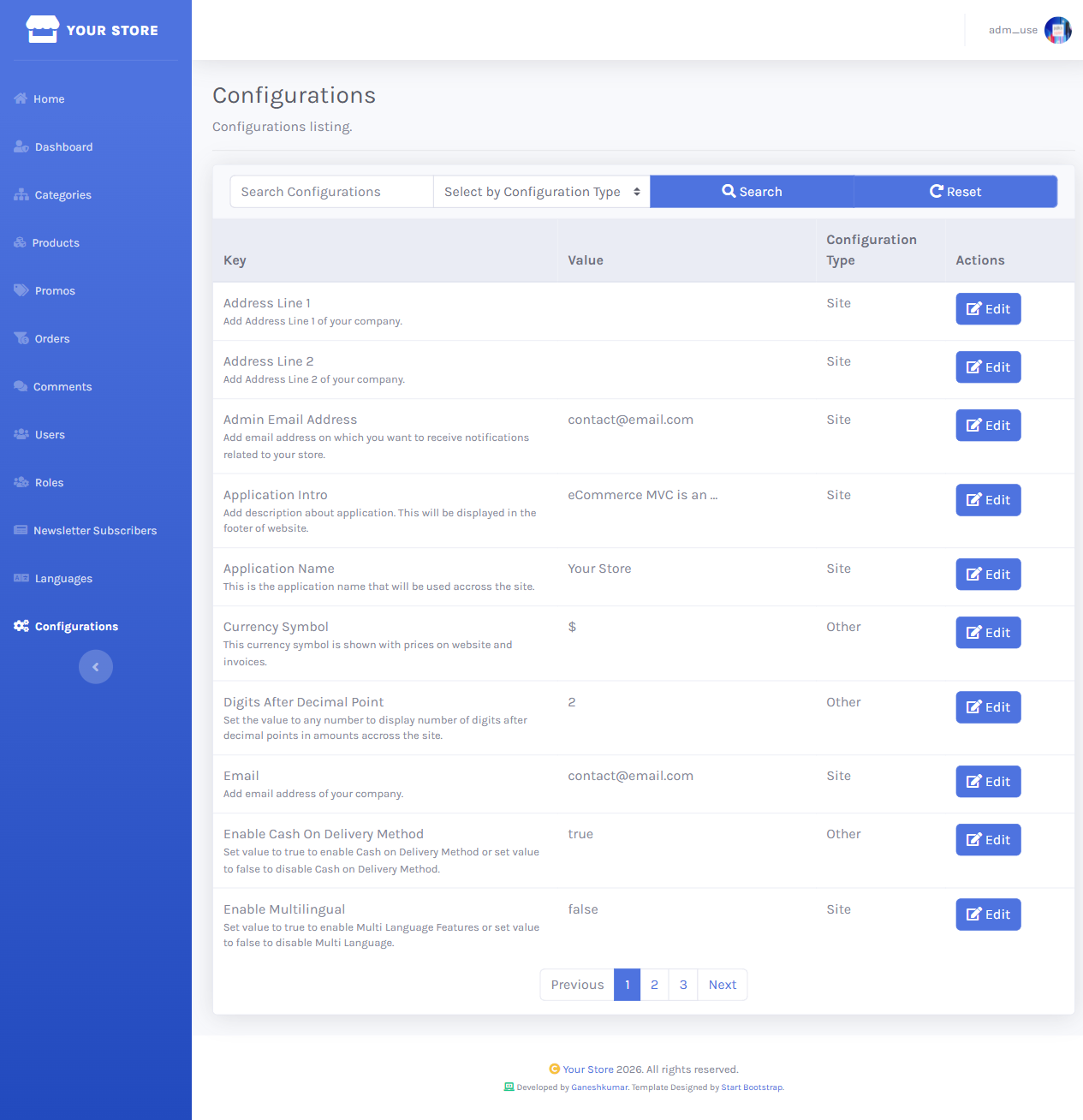
/dashboard/configurations lists every key with its current value and a type filter (Site, Slider, Promotions, Social Links, Other) plus free-text search by key name.
Editing a value
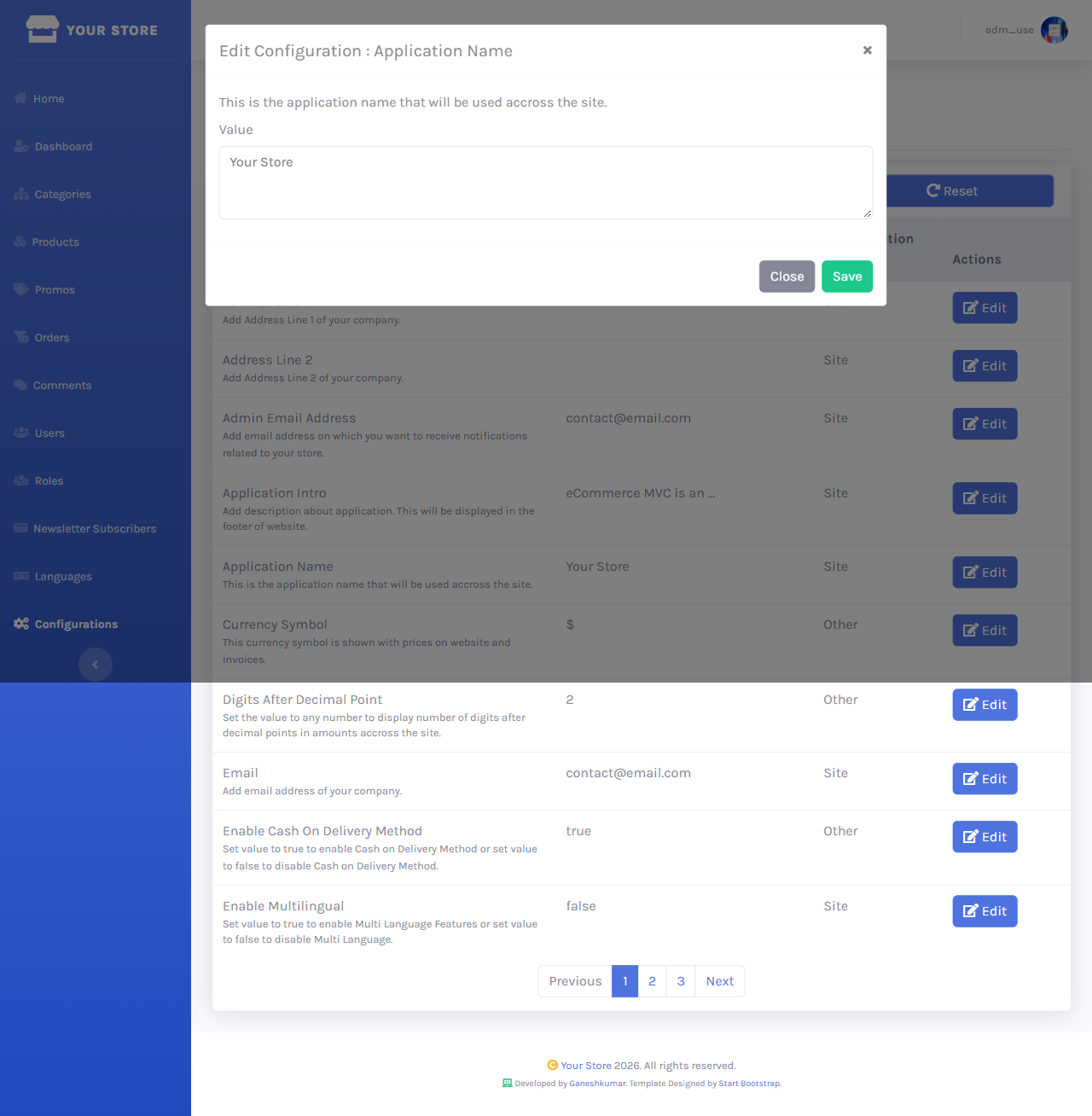
Clicking Edit opens a small modal with the key’s description and a single Value field — Save applies it immediately, no restart required (values are cached in memory and refreshed on save).
Even though a slider’s stored value is a single delimited string (image/heading/paragraph/link — see Configurations → Sliders), its Dashboard edit form presents them as separate fields and reassembles the string for you.
That’s the full storefront and admin walkthrough. For the underlying key reference, see Configurations; for the mobile/API surface, see API Reference.