Users, Roles & Comments
Managing customer accounts, admin access, and moderating product reviews.
Users
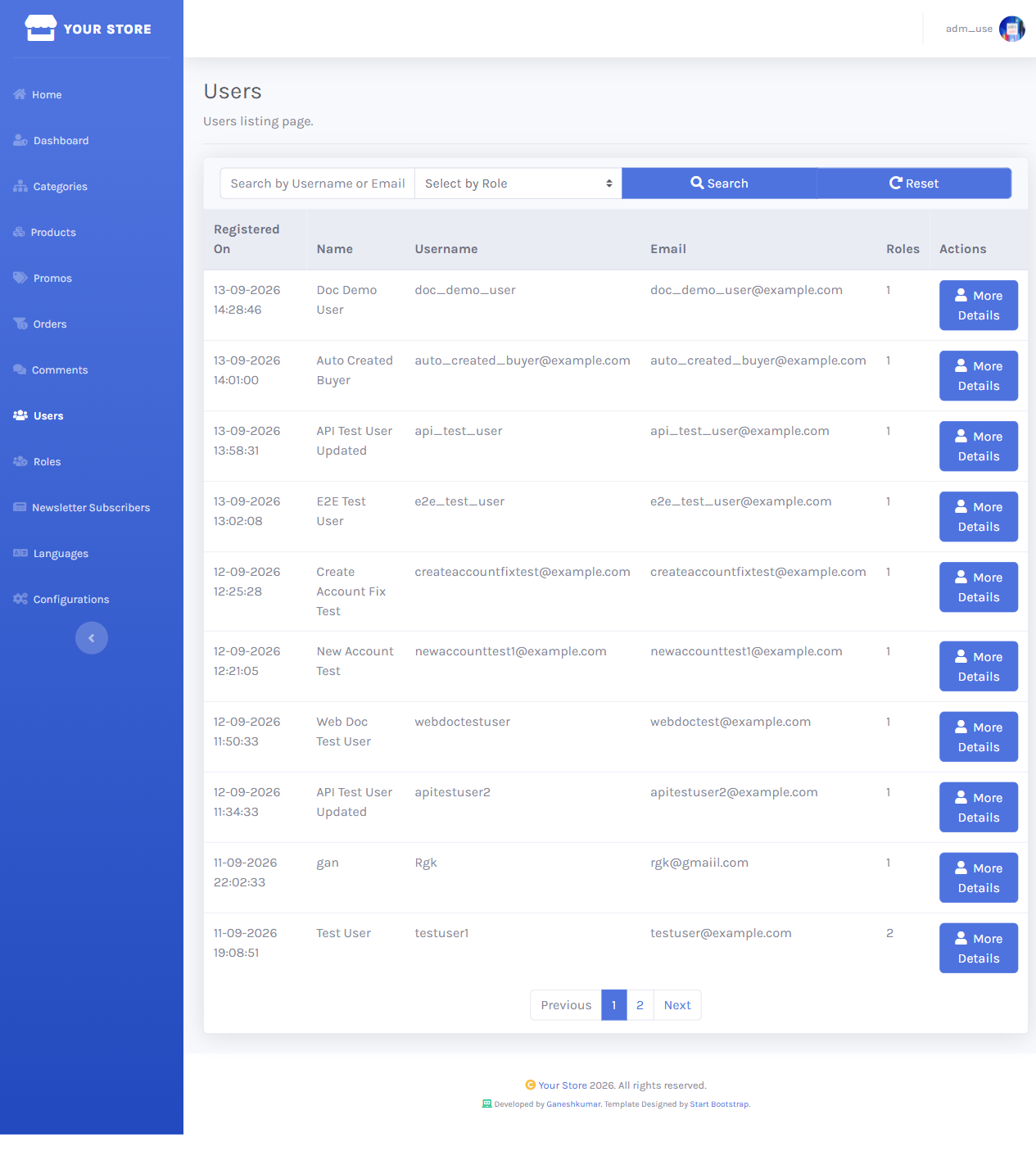
/dashboard/users lists every registered account with registration date, name, username, email, and order count.
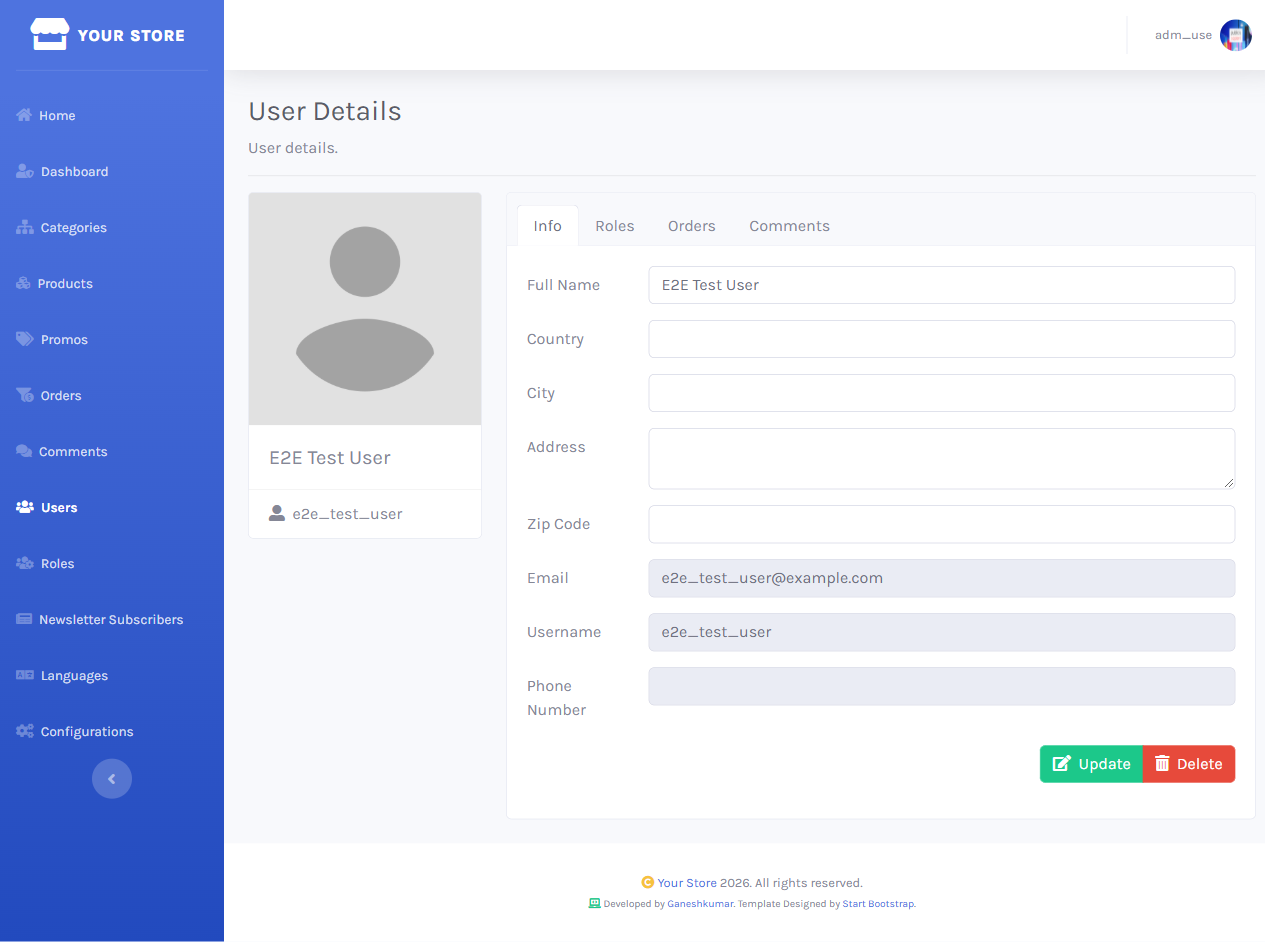
More Details opens a user’s full profile — contact info, order history, and comment history in one place.
Roles
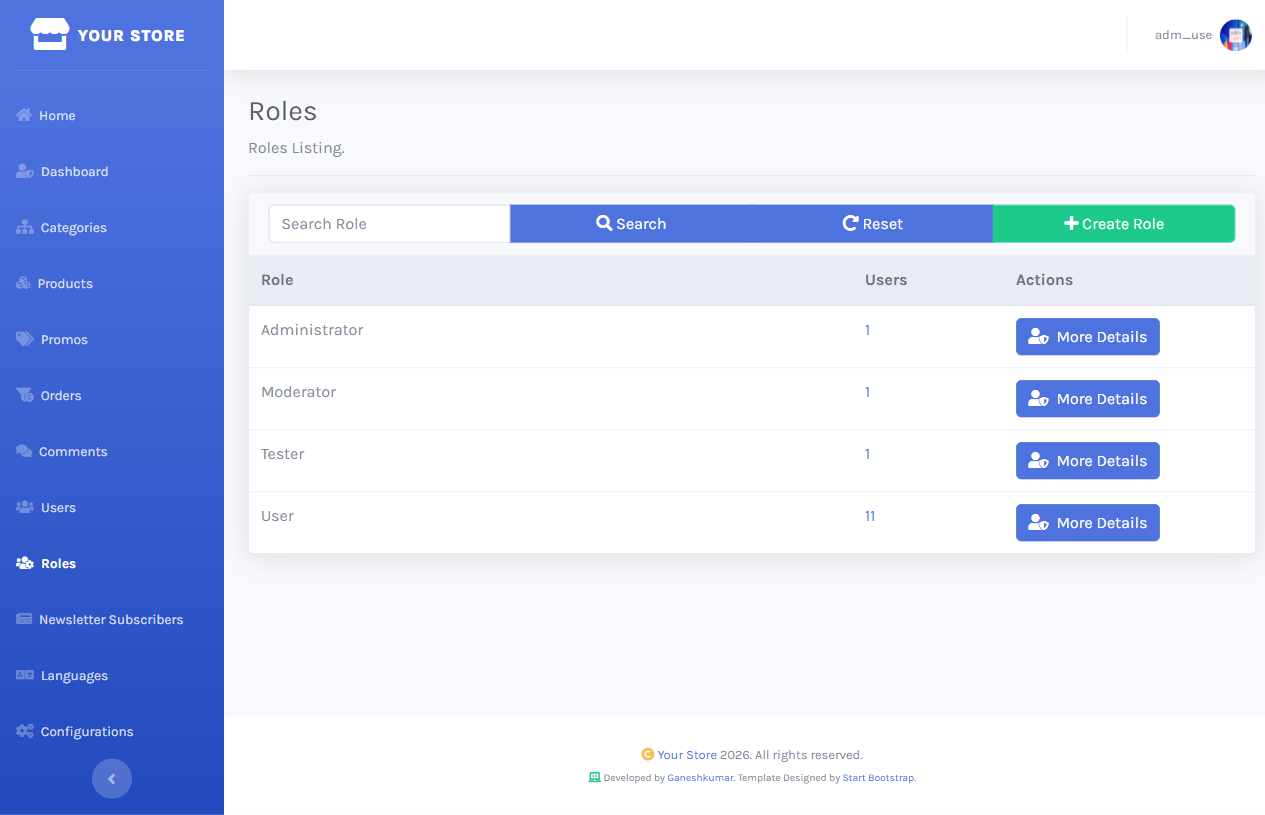
/dashboard/roles lists the seeded roles (Administrator, Moderator, User) with a member count each. From a role’s details you can see and manage which users hold it, and from a user’s details you can assign or remove roles.
Anyone in the Administrator or Moderator role can sign into the Dashboard and reach every screen this guide covers — there’s no finer-grained permission model. Grant it sparingly.
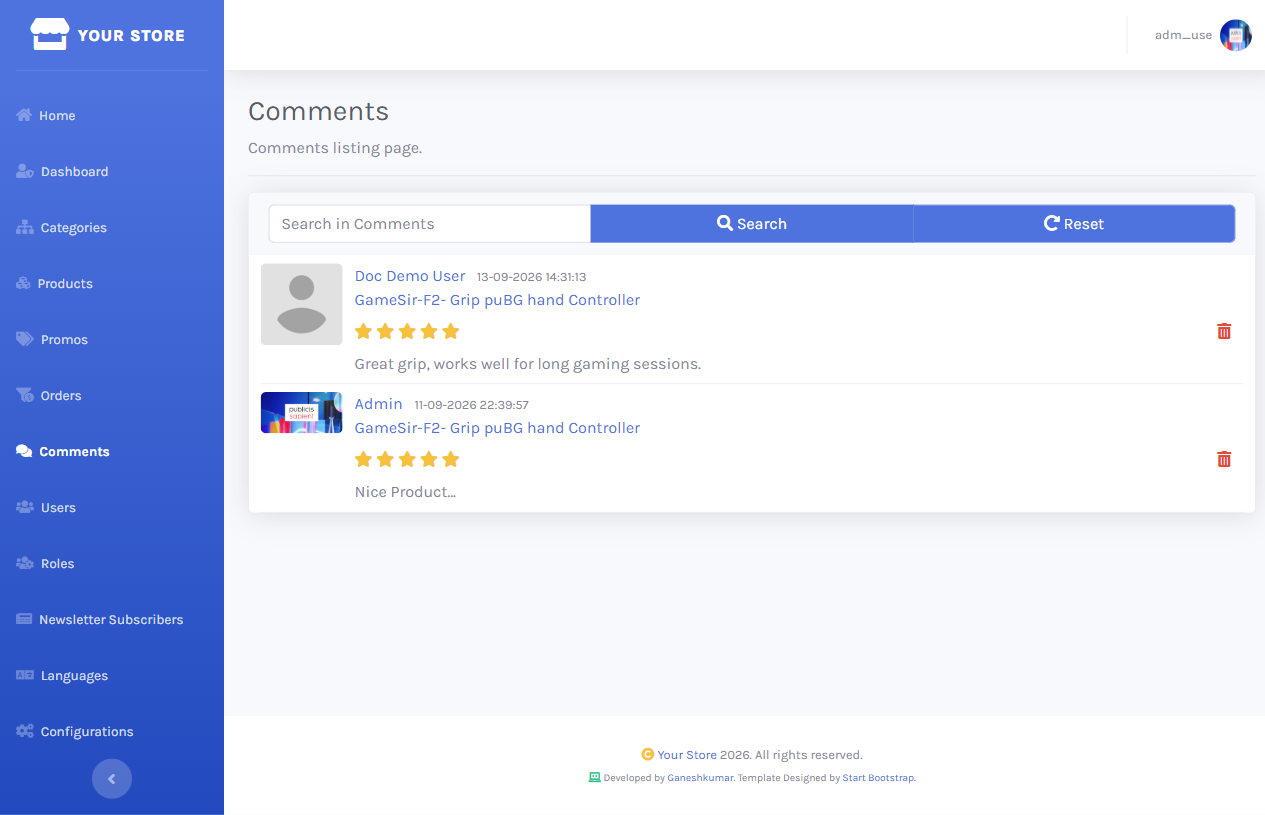
Comment moderation
/dashboard/comments lists every product review site-wide, with the reviewer, product, rating, and text — and a Delete action for removing inappropriate ones.