Account & Profile
Registration, login, and managing your own profile once signed in.
Register
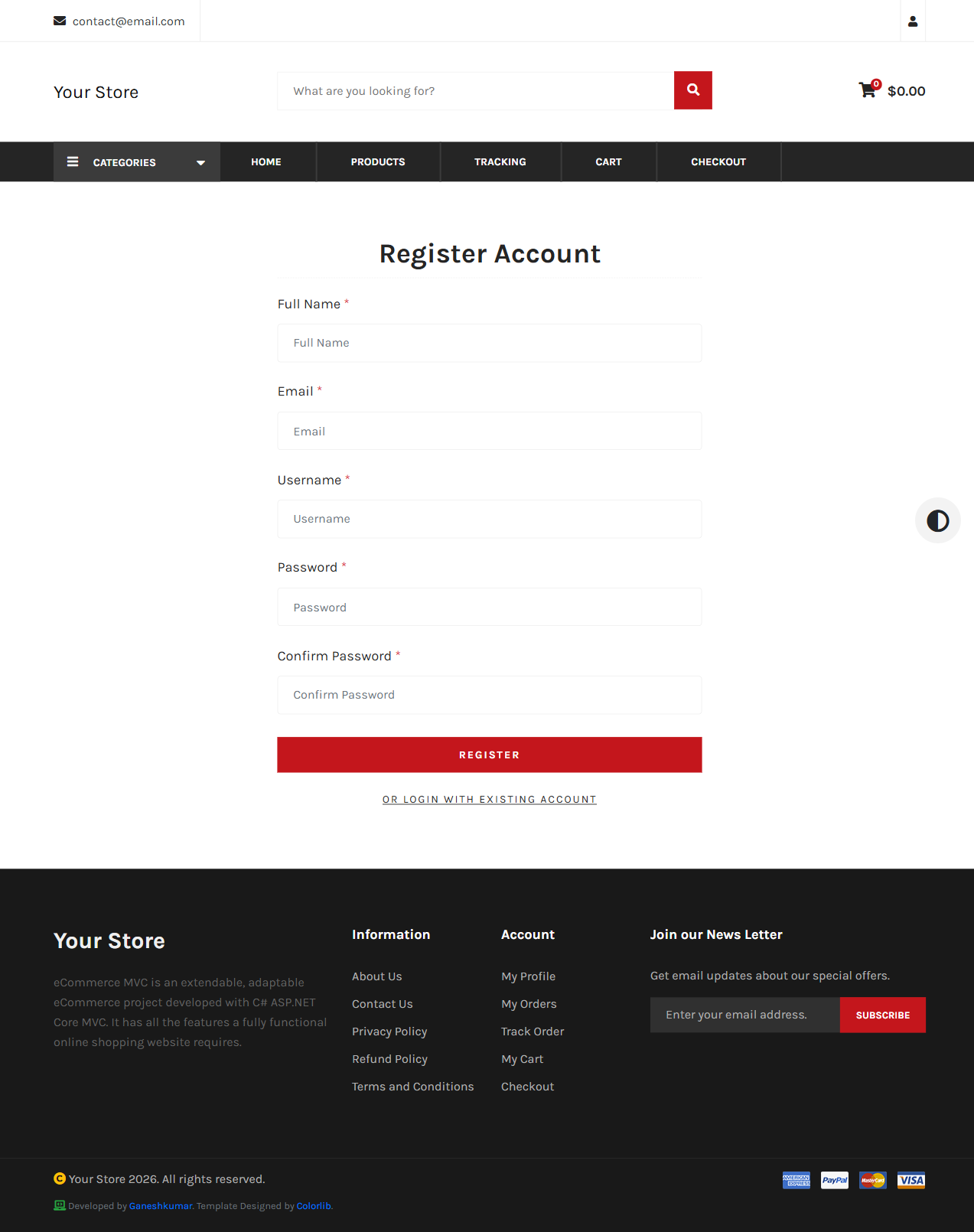
/register asks for Full Name, Email, Username, Password, and Confirm Password. On success you’re signed in immediately and assigned the User role.
Login
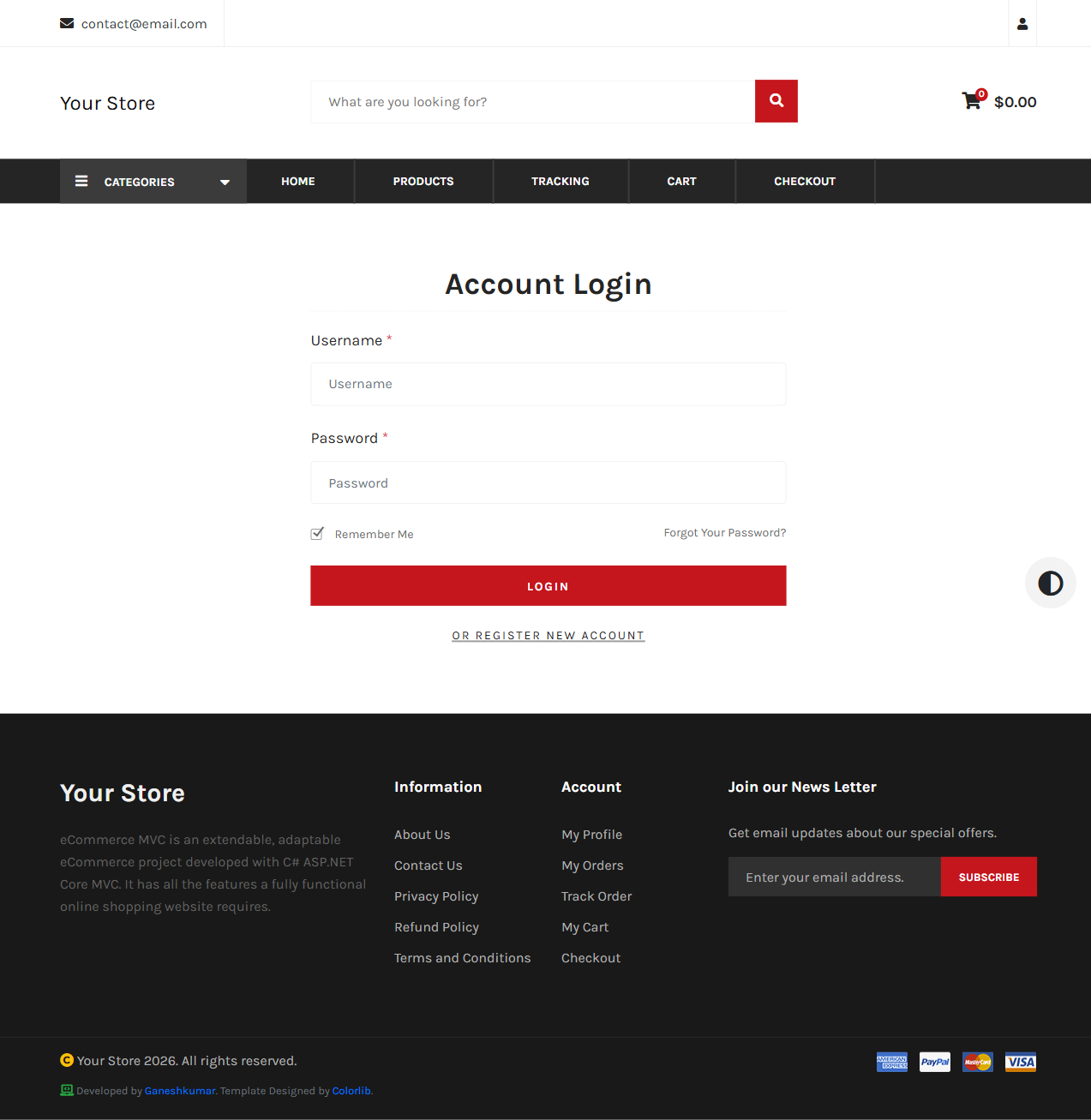
/login accepts a username and password, with a “Remember Me” checkbox and a Forgot Password link. Signing in from a deep link (e.g. mid-checkout) returns you to where you started via ?ReturnUrl=....
Profile — Info
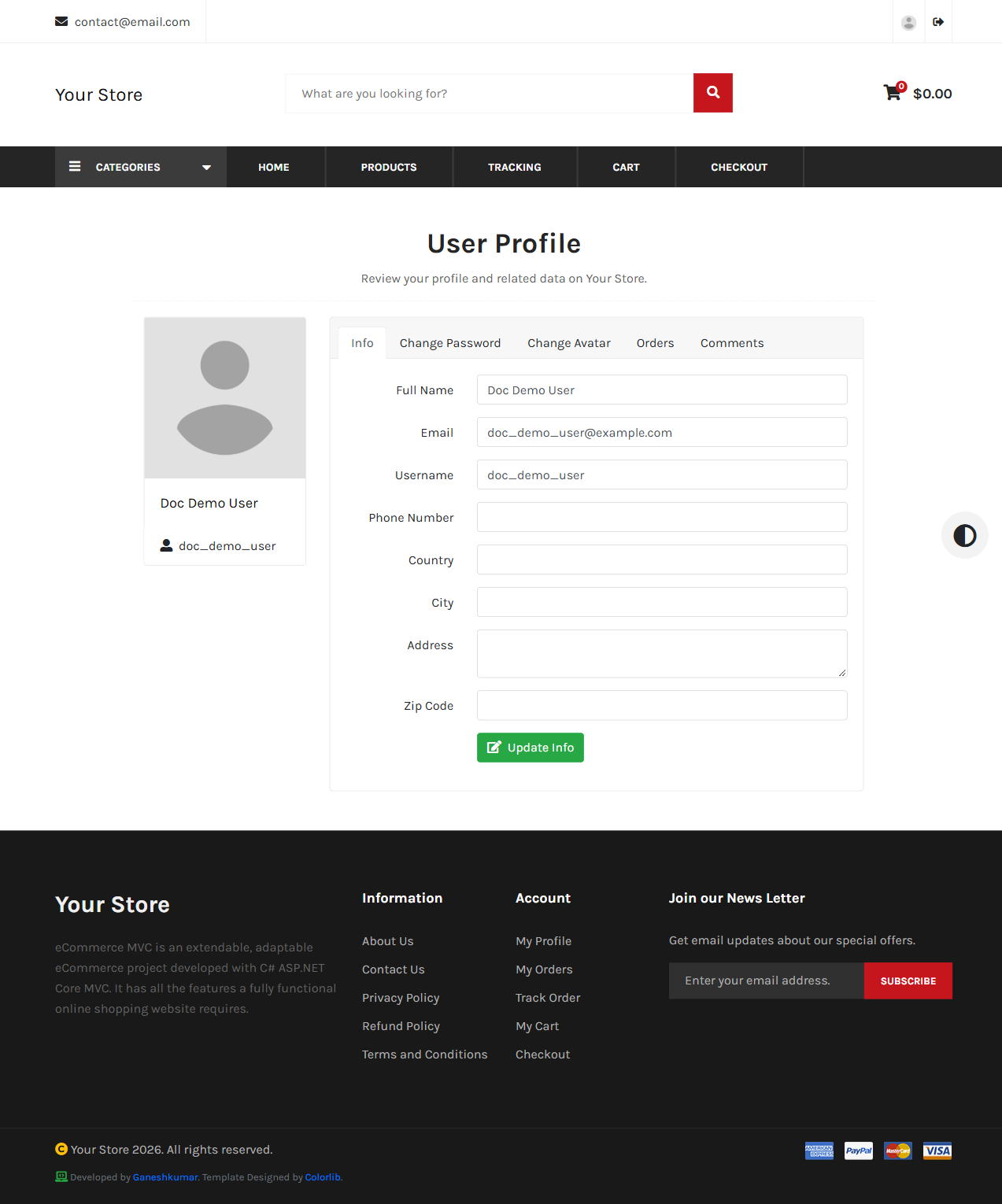
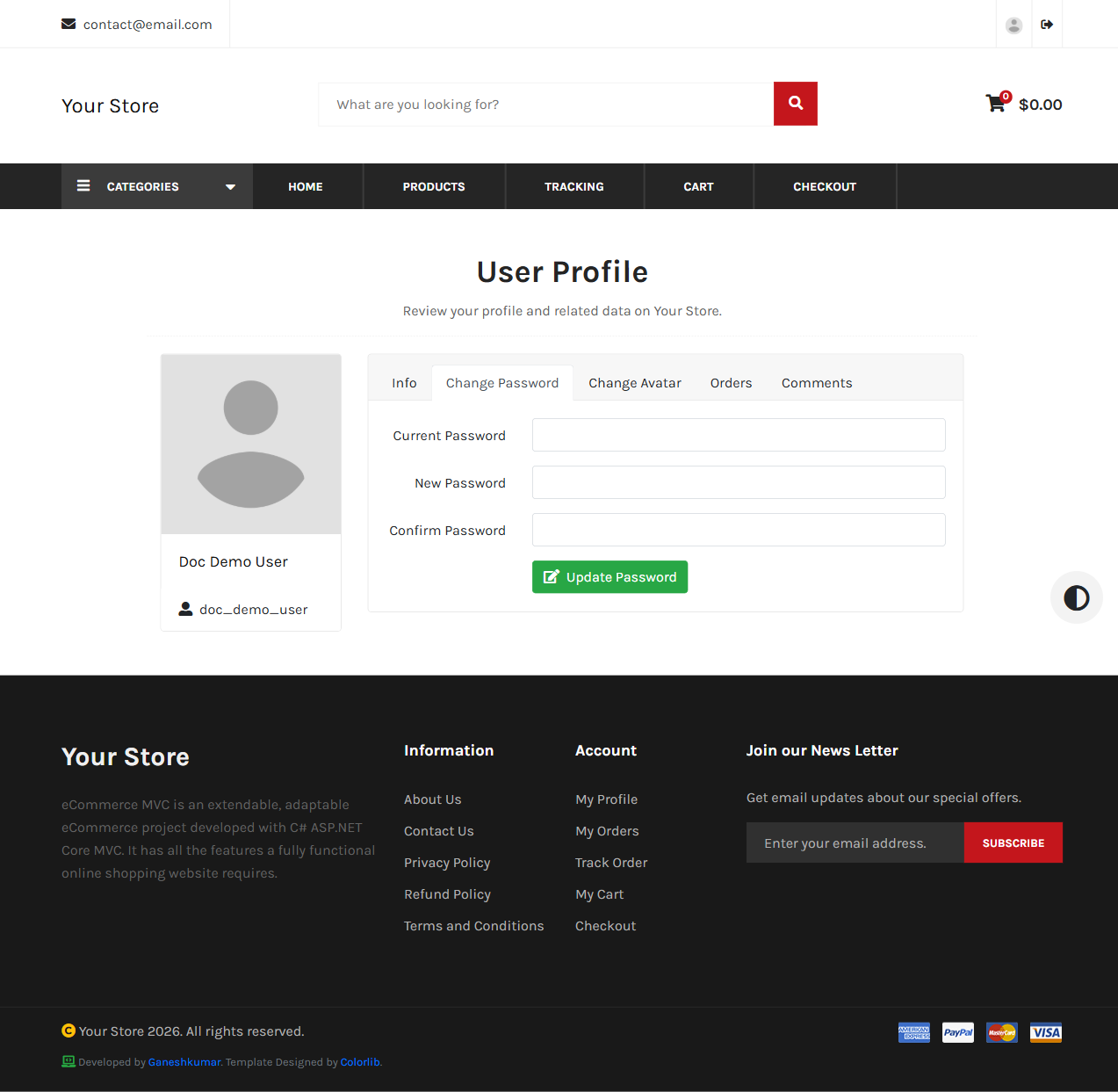
/user/profile is a tabbed page: Info, Change Password, Change Avatar, Orders, Comments. The Info tab lets you update name, email, username, phone, and address. The Change Avatar tab accepts JPG, PNG, GIF, or WebP images.
Profile — Change Password
Orders and Comments tabs
Covered separately in Orders & Tracking and Reviews, Newsletter & Contact.
Next: Cart & Checkout →