Orders & Promo Codes
Fulfilling orders, and setting up discount codes customers can apply at checkout.
Orders list
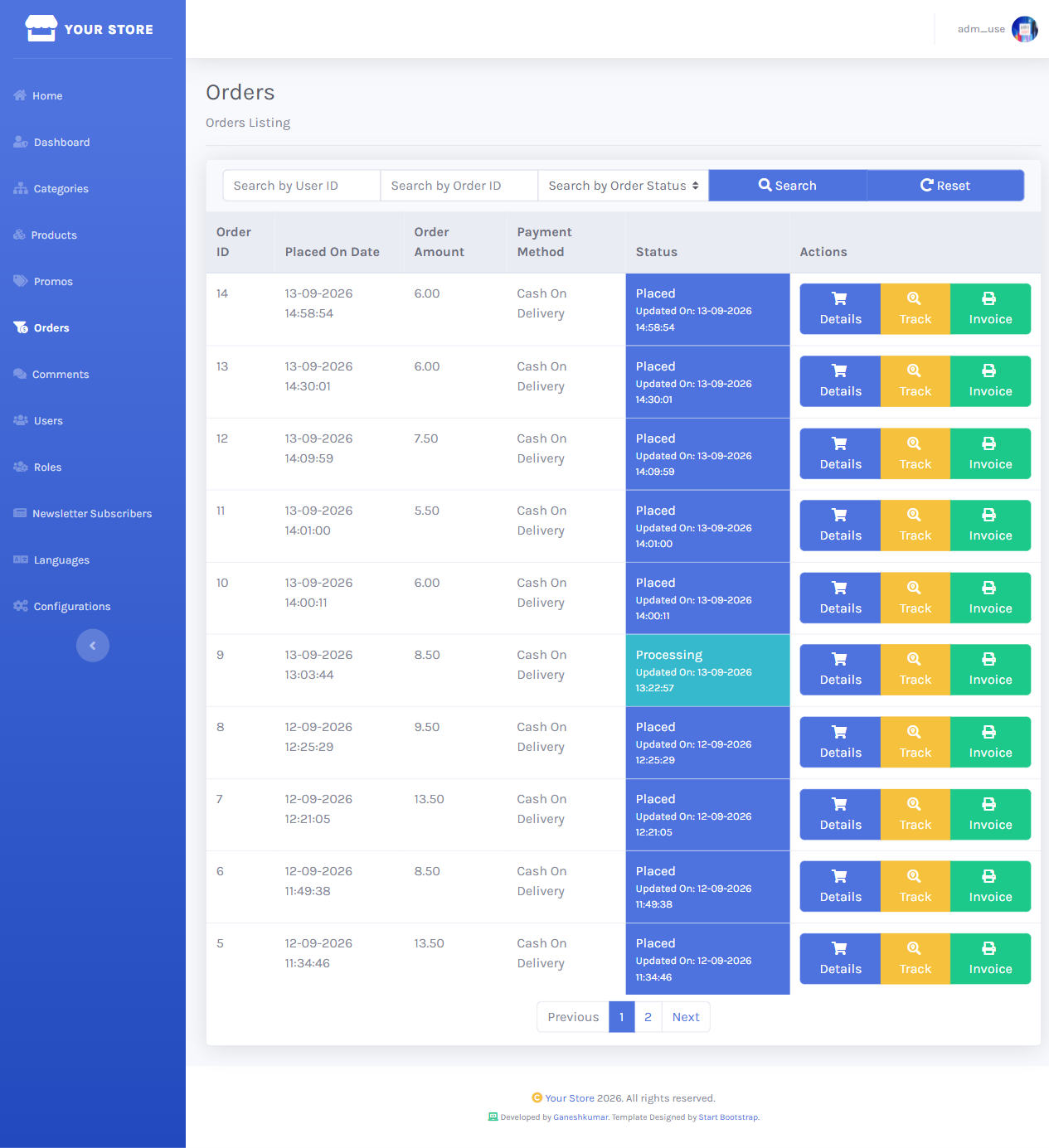
/dashboard/orders lists every order with placed date, amount, payment method, and current status, searchable by user ID.
Order details & status
The details screen shows the full order — items, contact/shipping info, status history — plus a status dropdown (Placed, Processing, Delivered, Failed, Cancelled, OnHold, WaitingForPayment, Refunded) and a required Note field explaining the change.
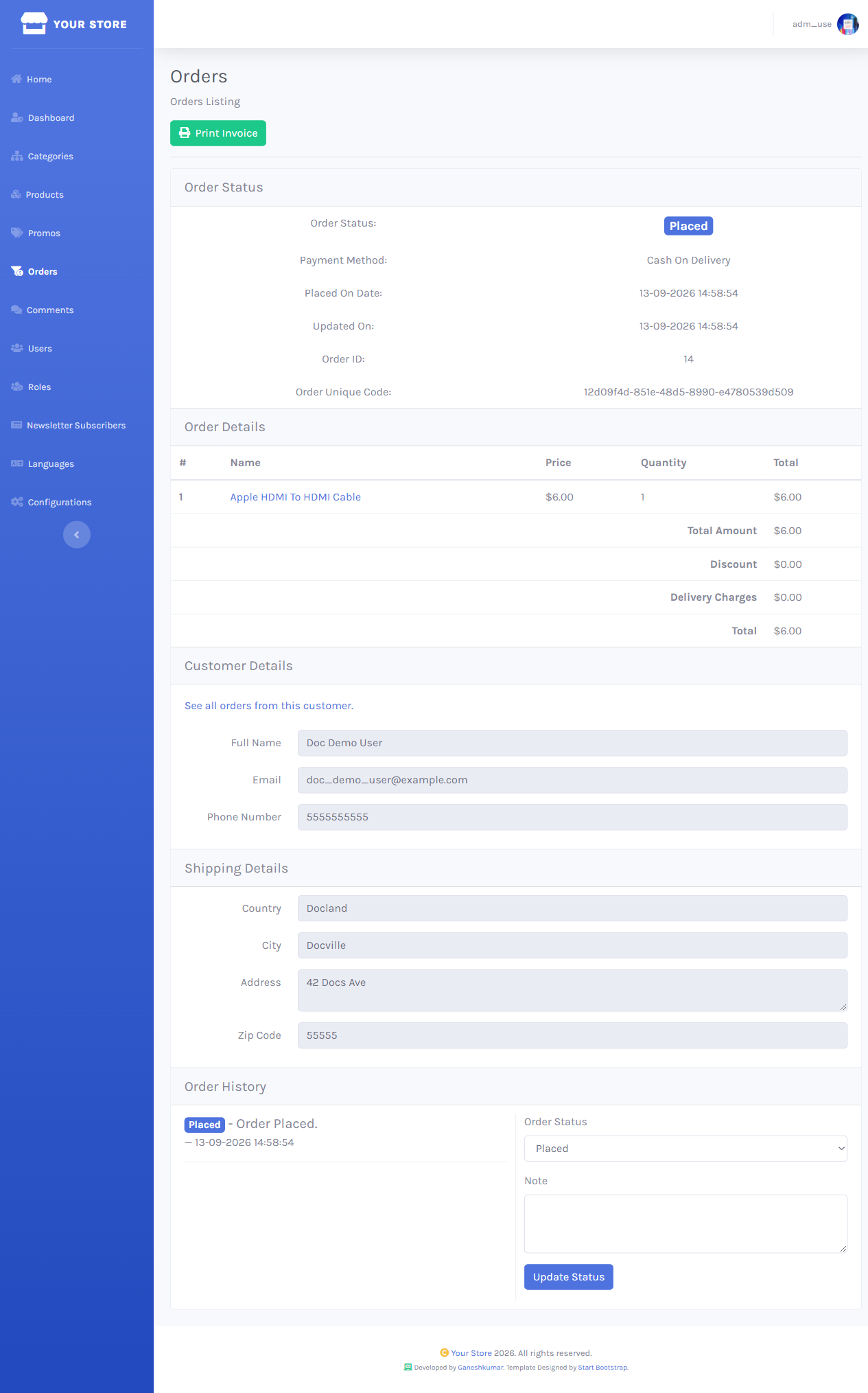
The client-side validation enforces a 15–300 character note before Update Status will submit — it’s not optional even for routine status bumps.
Promo codes
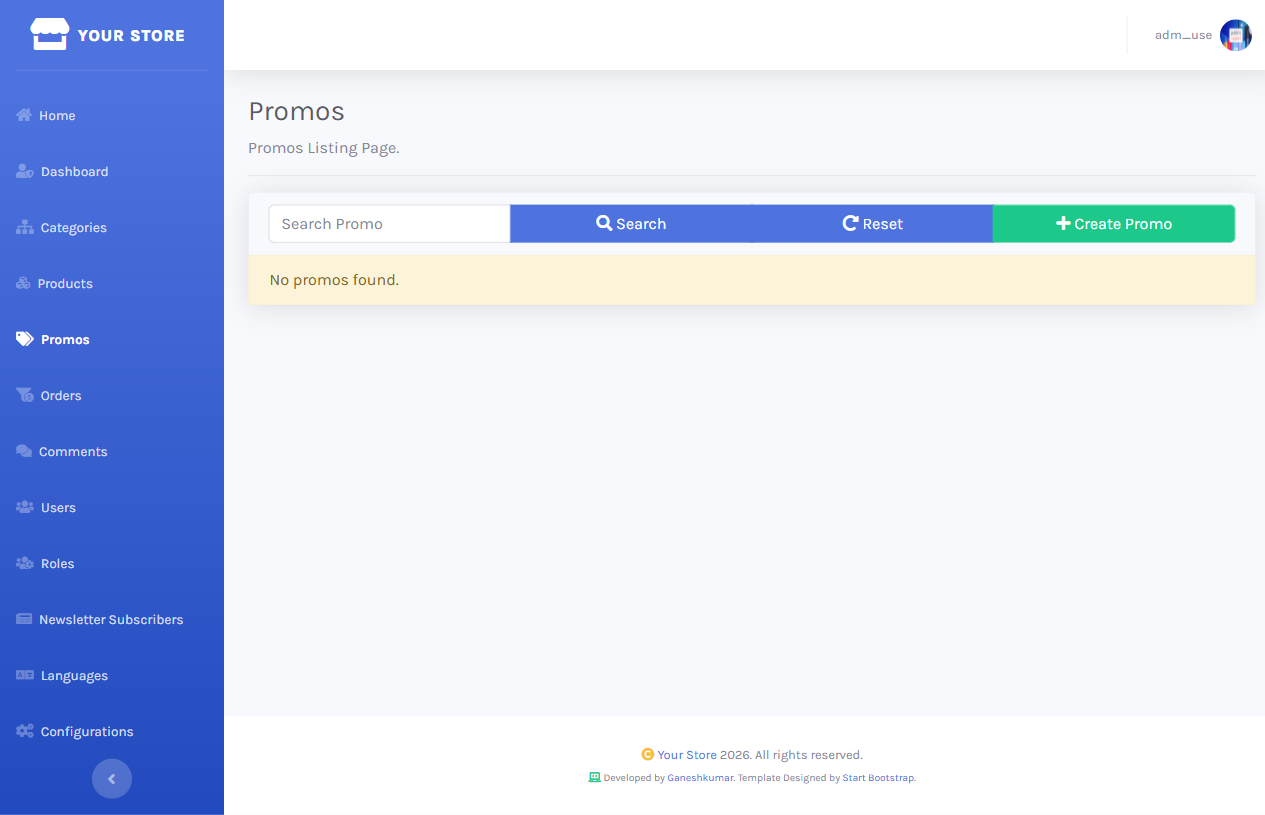
/dashboard/promos lists every discount code.
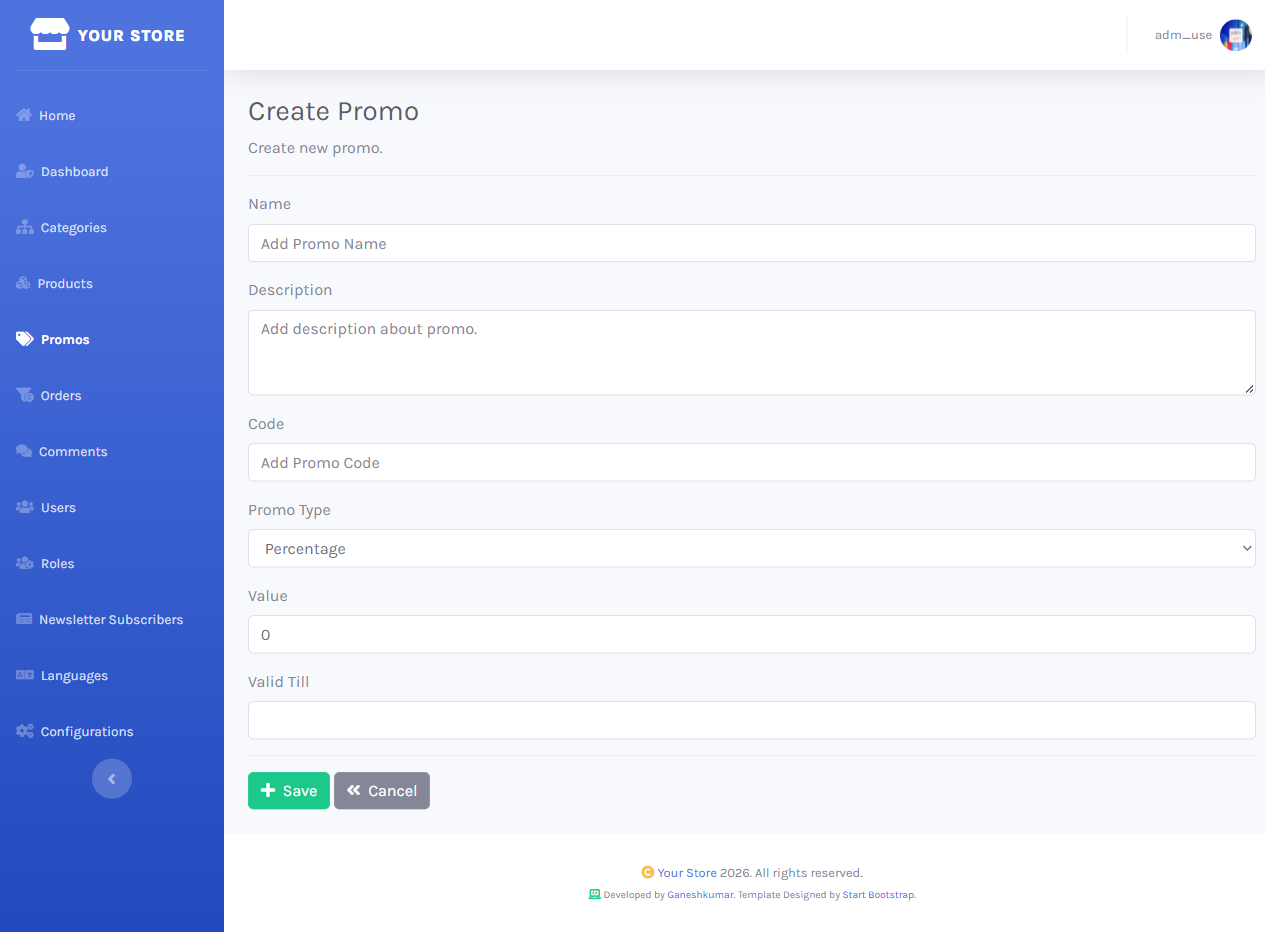
Creating one asks for Name, Description, Code (what customers type in at checkout), Promo Type (Percentage or Amount), Value, and an optional Valid Till expiry date.