Languages & Localization
Managing which languages the storefront serves, and importing translated text.
Languages list
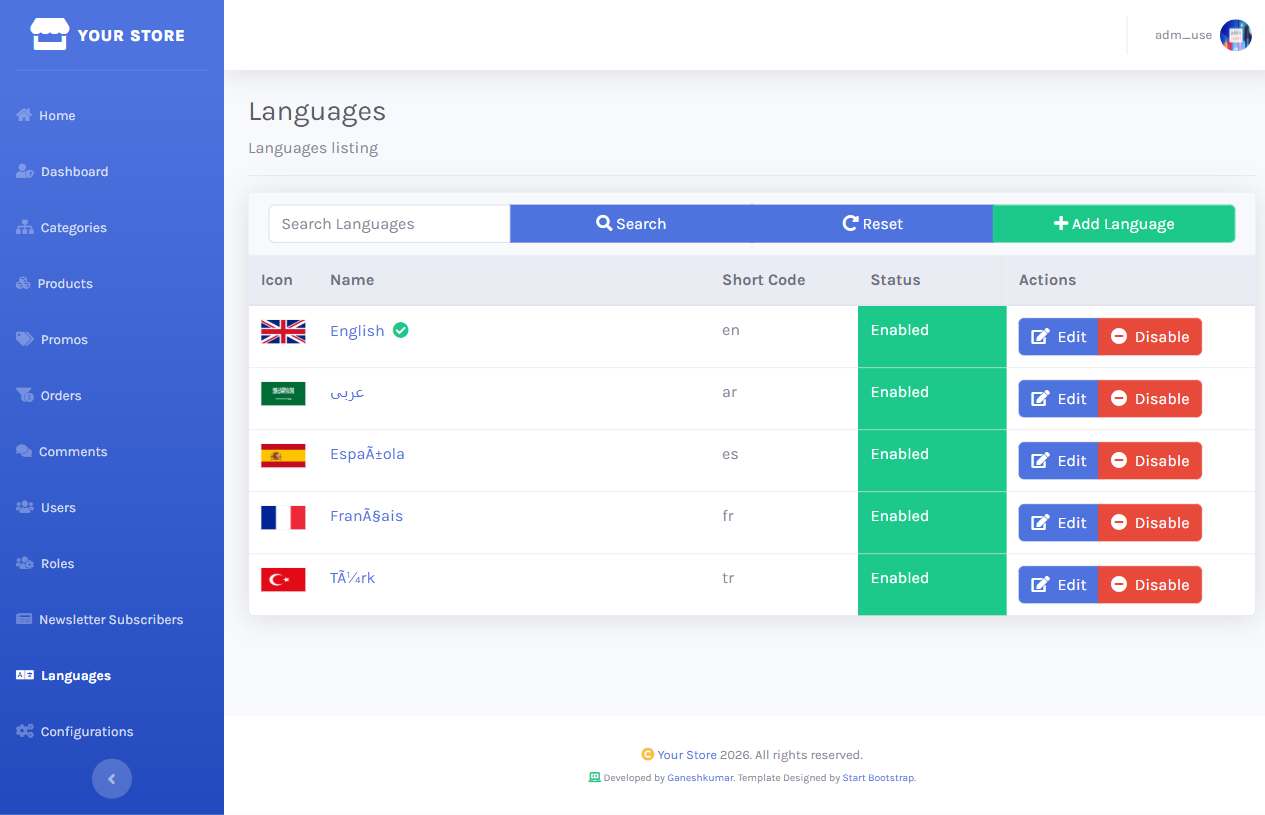
/dashboard/languages lists every configured language with its flag, short code, and enabled/disabled state. English ships as the default site language.
Edit a language
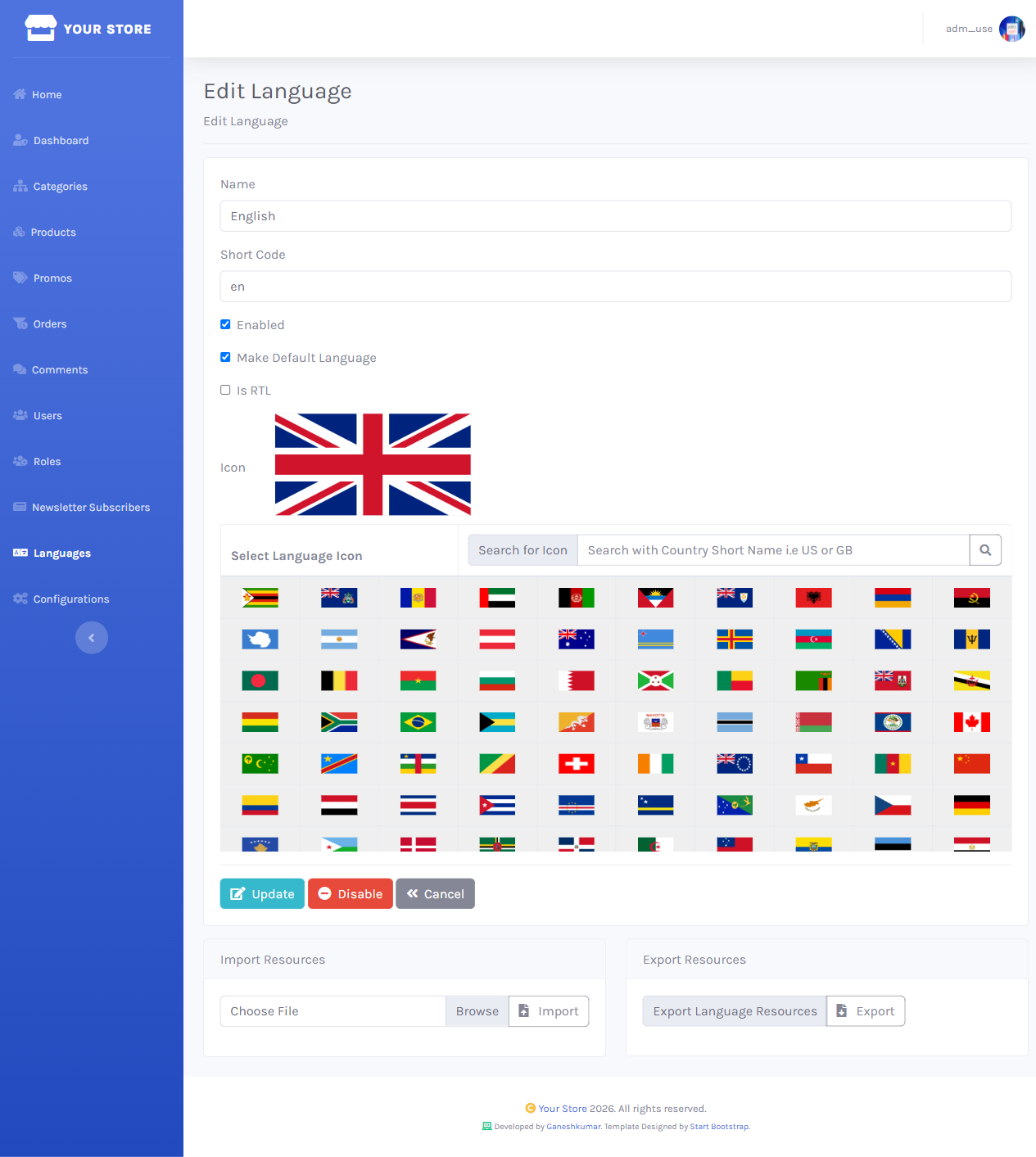
The edit form sets the language’s name, short code, and flag icon (picked from a built-in flag table).
Import / export resources
Further down the same edit page, Import Resources uploads a language pack XML file and loads its translated strings for that language; Export Resources downloads the current set, useful as a starting point for a new translation.

See FAQs — installing a language pack for the exact steps and file format, and Language Packs/ at the repository root for the packs that ship with the project (English, Arabic, Spanish, French, Turkish).
Enabling EnableMultilingual (Dashboard → Configurations) activates the {lang}/-prefixed routes and the storefront language switcher, letting visitors browse any enabled language.