Browsing & Search
How a visitor finds products, from the home page through to a product’s detail page.
Home page
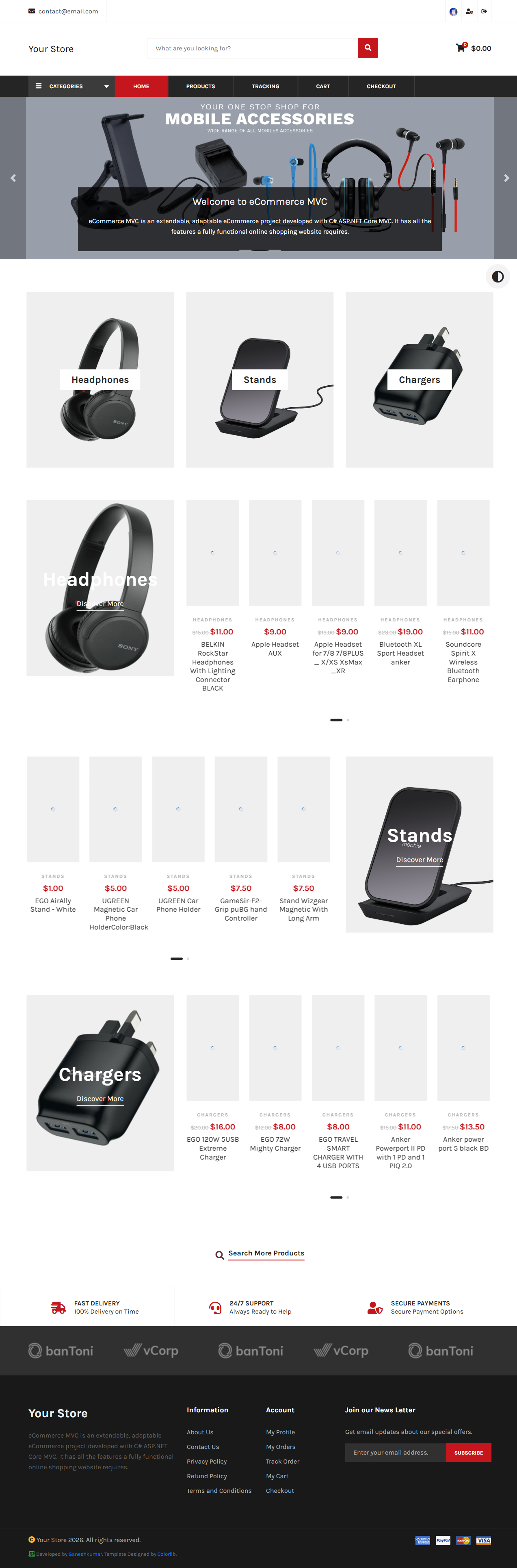
The home page (/) shows featured categories, home-page sliders (configurable), and featured products. The header carries a live search box, a category menu, and (once items are added) a running cart total.
Search results
Visiting /search (or /search/{category}) shows the full product listing with filters down the left: free-text search, category tree with per-category counts, and price range. Results support sort (Latest / Price Low-High / Price High-Low), a configurable page size, and pagination.
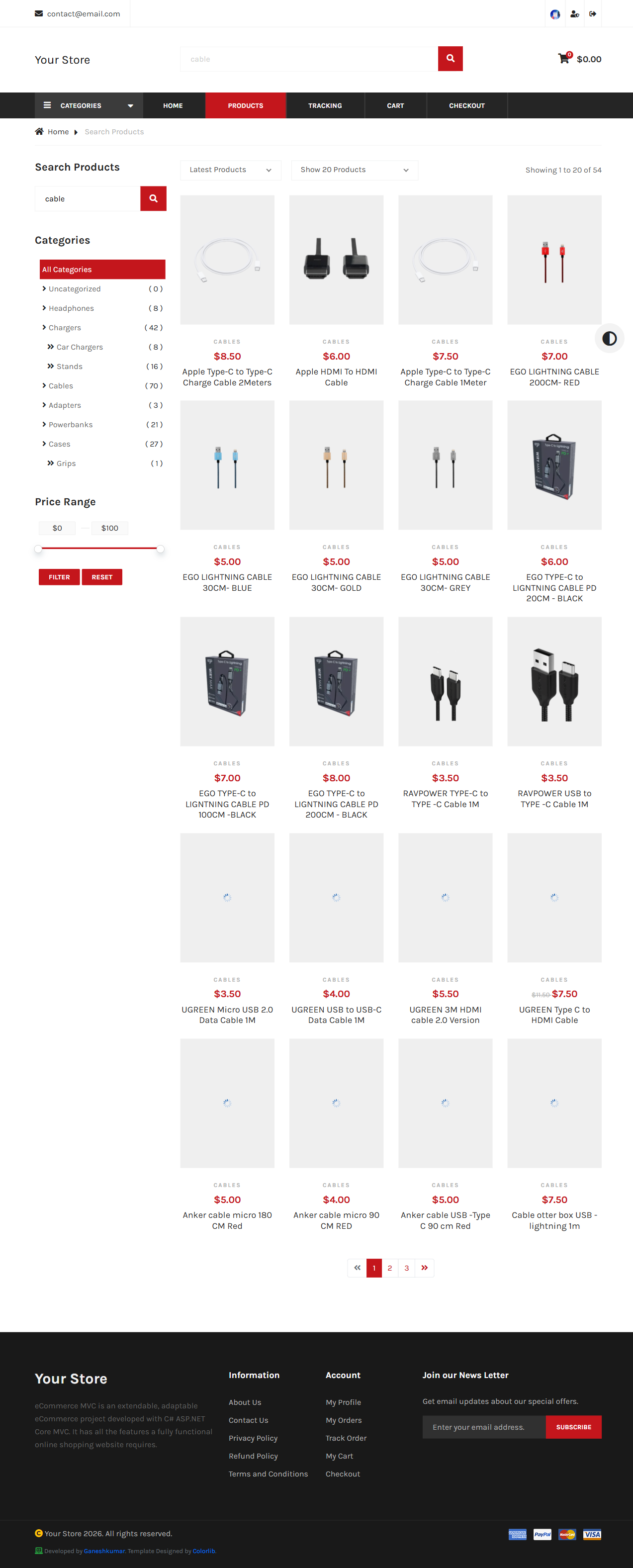
/search?category=adapters and /search/adapters both work. The API’s equivalent endpoint (/api/{lang}/search) prefers the query-string form.
Product details
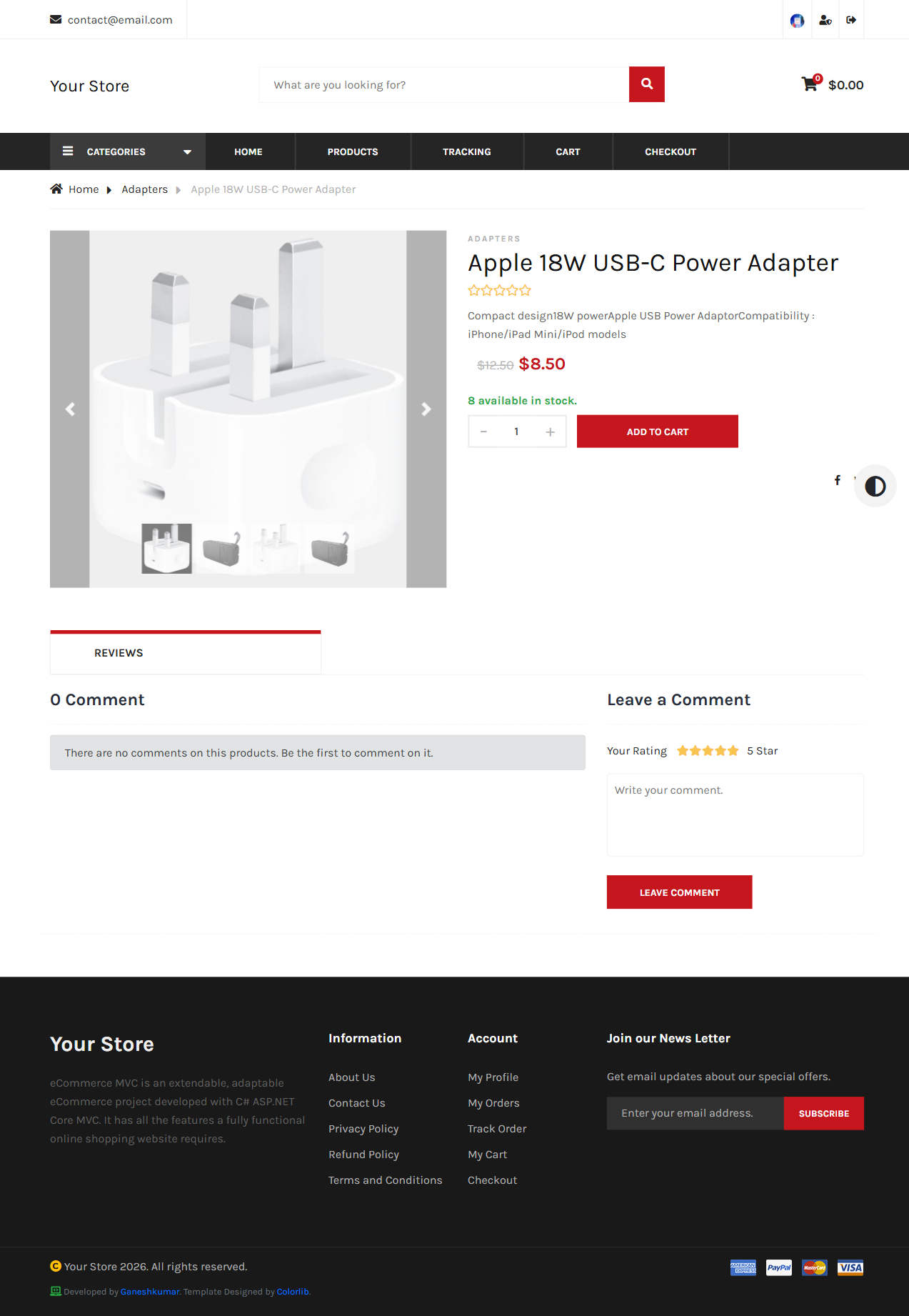
Each product page (/{category}/product/{ID}/{title-slug}) shows price (with strike-through original price when discounted), stock, a quantity selector, specifications, and a Reviews tab — covered in Reviews, Newsletter & Contact.
Next: Cart & Checkout →