Catalog: Categories & Products
Both follow the same pattern — a filterable list, plus a Create/Edit form shared by both actions.
Categories
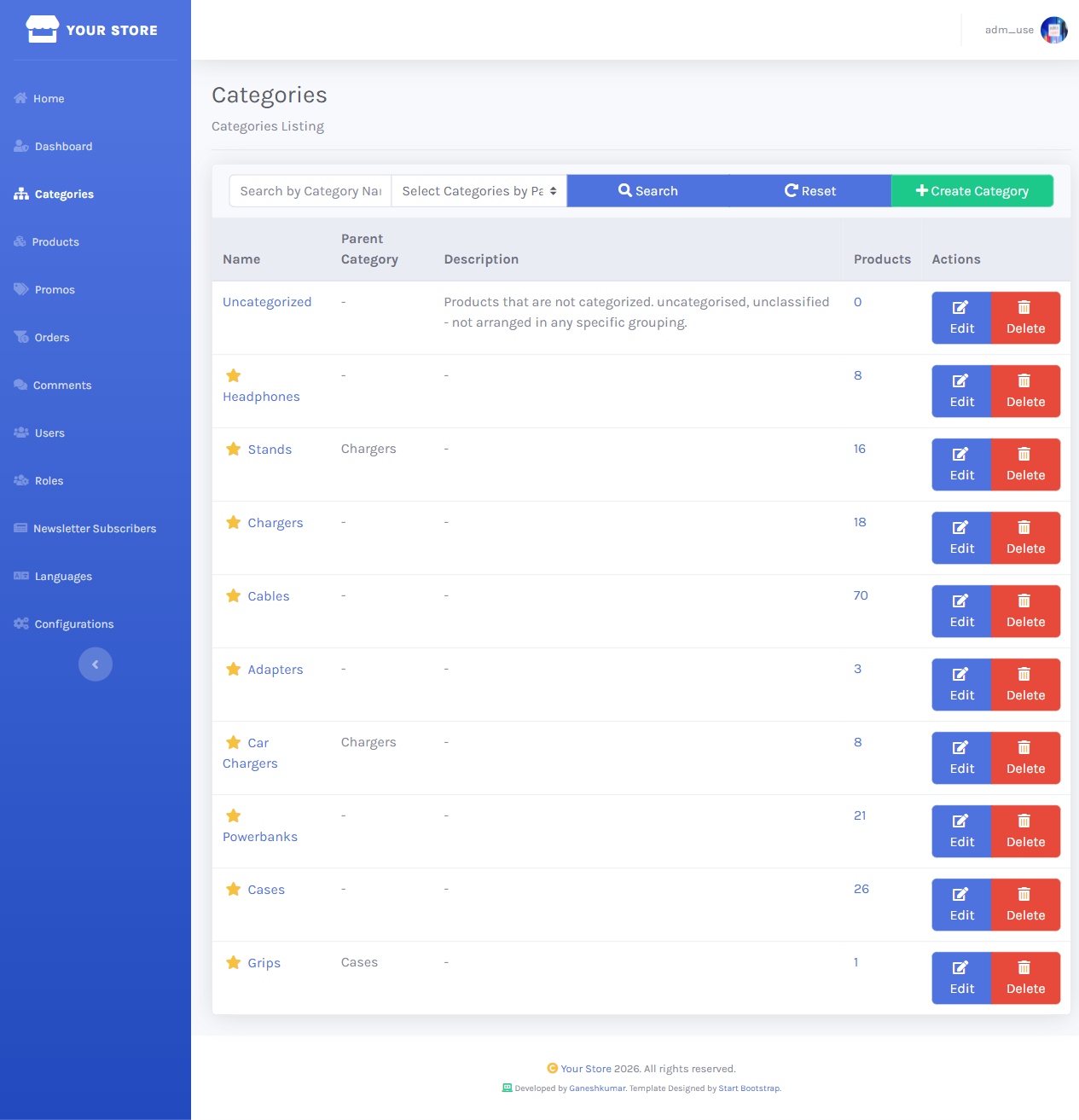
/dashboard/categories lists every category with product count, filterable by parent category and name.
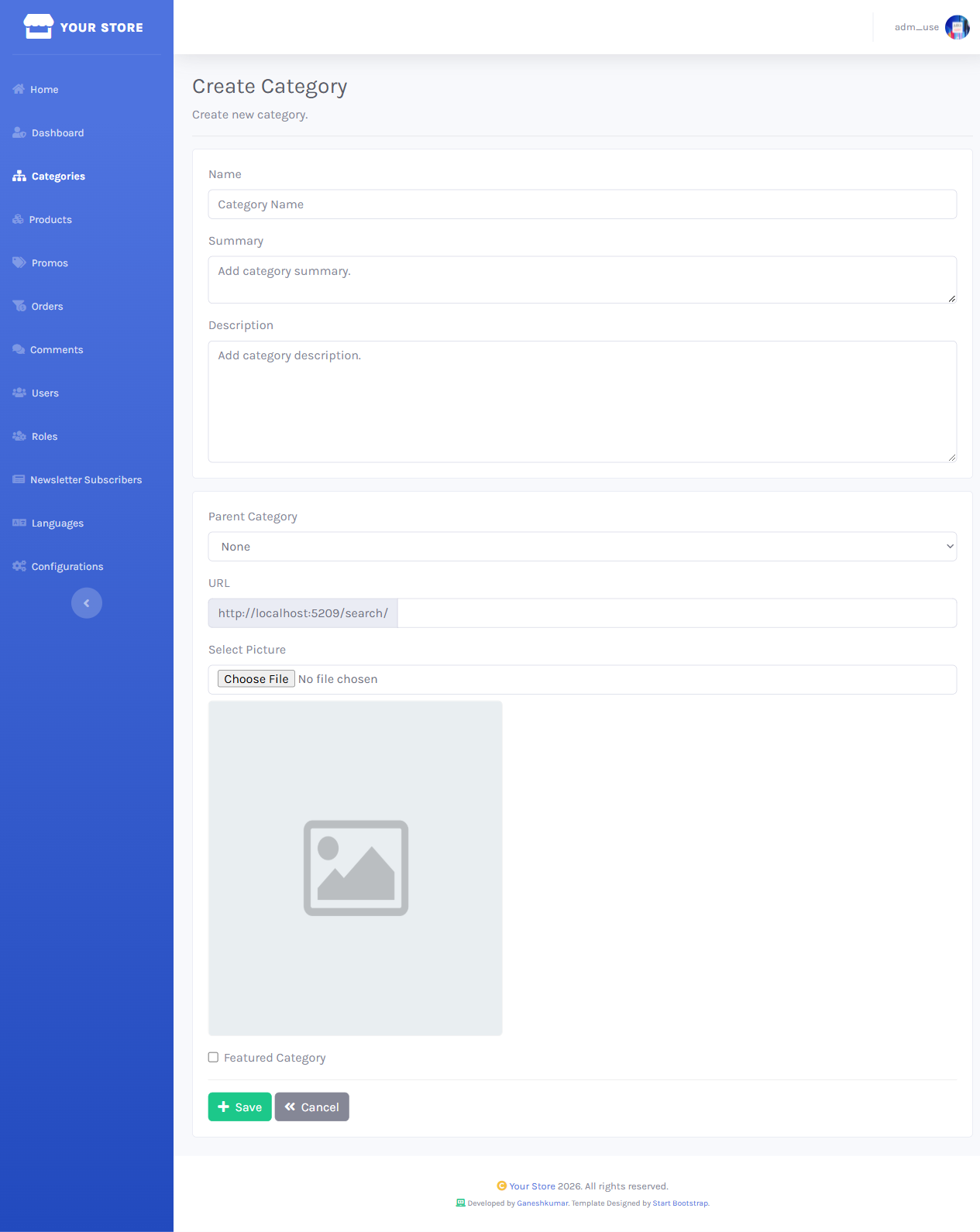
Create Category opens a form for Name, Summary, Description, Parent Category, a picture upload, and a Featured Category toggle.
Editing reuses the same form; Delete asks for confirmation and soft-deletes the category (and its localized name/description records).
Products
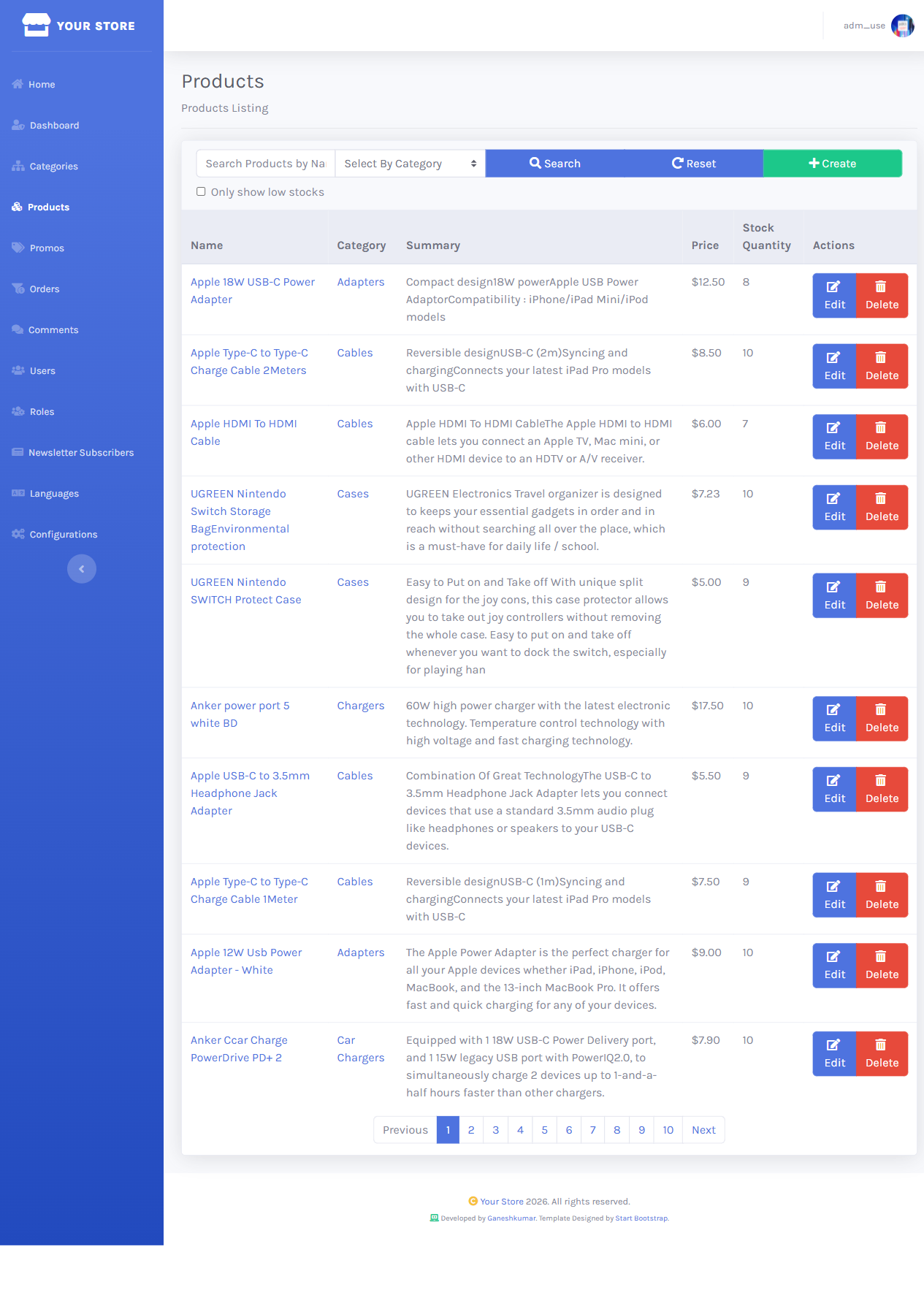
/dashboard/products lists every product with category, price, and stock, filterable by category and search term.
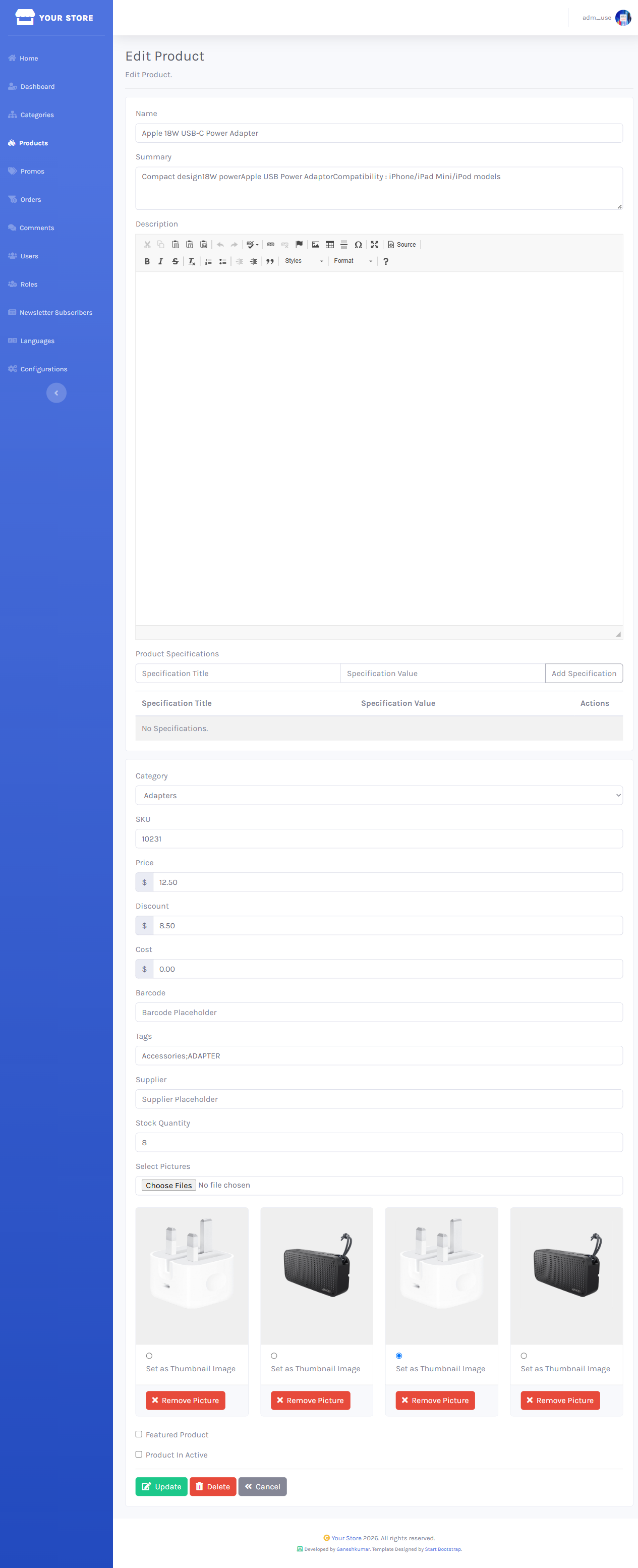
The product form covers name/summary/description, category, price/discount/cost, SKU/tags/barcode/supplier, stock quantity, specifications, and multiple pictures with a selectable thumbnail.
Category and product name/summary/description are stored per-language (CategoryRecords / ProductRecords). With EnableMultilingual on, the create/edit forms above render one set of these fields per enabled language.
Next: Orders & Promo Codes →